The handbook
Cover, scope and price. Buying takes only an e-mail address.
Practical guides · Practical guide
Setting up Microsoft 365 Copilot in your business
Licences, switches, filing, sharing: set up Copilot in Word, Outlook and Teams so the assistant only sees what it is allowed to see.
- 12 sections in 4 parts, the last part is the appendix with 3 sections
- Online reading access via your personal link
- Full handbook as a PDF
€49.00incl. VAT. One-off payment, no subscription.
Free to read: Purpose and structure, Contents, Before you begin.
The contents
12 sections in 4 parts, the last part is the appendix with 3 sections. Free to read: Purpose and structure, Contents, Before you begin.
Part II · Sections 2 – 4
Setting up
- 04Licence, roles and access
- 05The settings to check first
- 06Filing and sharing: what Copilot sees
Part III · Sections 5 – 9
Using and keeping track
- 07The first real working run
- 08What never goes in
- 09When staff use it
- 10Checking and keeping track
- 11Checklist
Part IV · Sections 10 – 12
Appendix
- 12Uncertainties
- 13Glossary
- 14List of sources
Sample
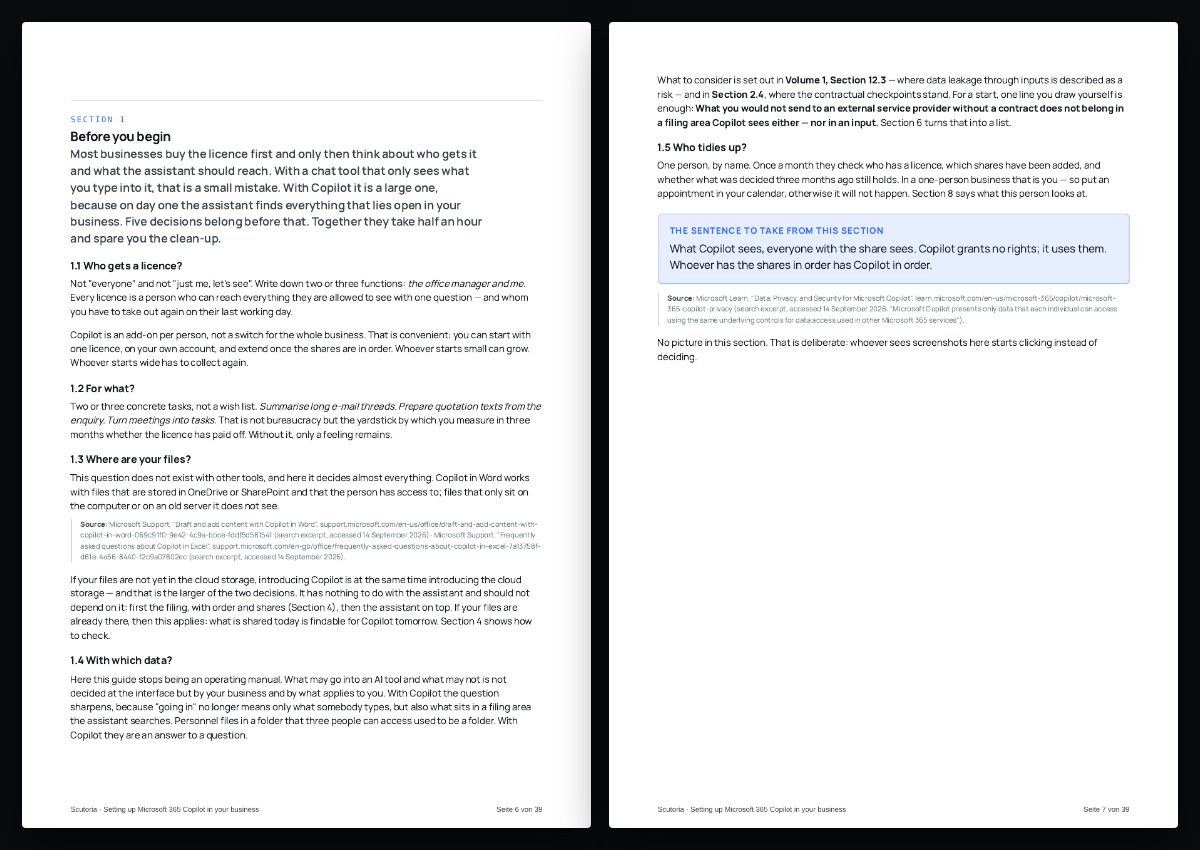
The beginning of Section 1, unchanged from the handbook. The source lines are in the reading sample.
Before you begin
Most businesses buy the licence first and only then think about who gets it and what the assistant should reach. With a chat tool that only sees what you type into it, that is a small mistake. With Copilot it is a large one, because on day one the assistant finds everything that lies open in your business. Five decisions belong before that. Together they take half an hour and spare you the clean-up.
Not "everyone" and not "just me, let's see". Write down two or three functions: the office manager and me. Every licence is a person who can reach everything they are allowed to see with one question — and whom you have to take out again on their last working day.
Copilot is an add-on per person, not a switch for the whole business. That is convenient: you can start with one licence, on your own account, and extend once the shares are in order. Whoever starts small can grow. Whoever starts wide has to collect again.
Newsletter and more
Keep up, and titles that go with this volume.
Goes with it